
You can display shop and/or product benefits on product pages. Product benefits can be entered via a snippet and/or a custom field in the corresponding product.
Note: You maintain the global "Shop benefits" using an individual snippet.
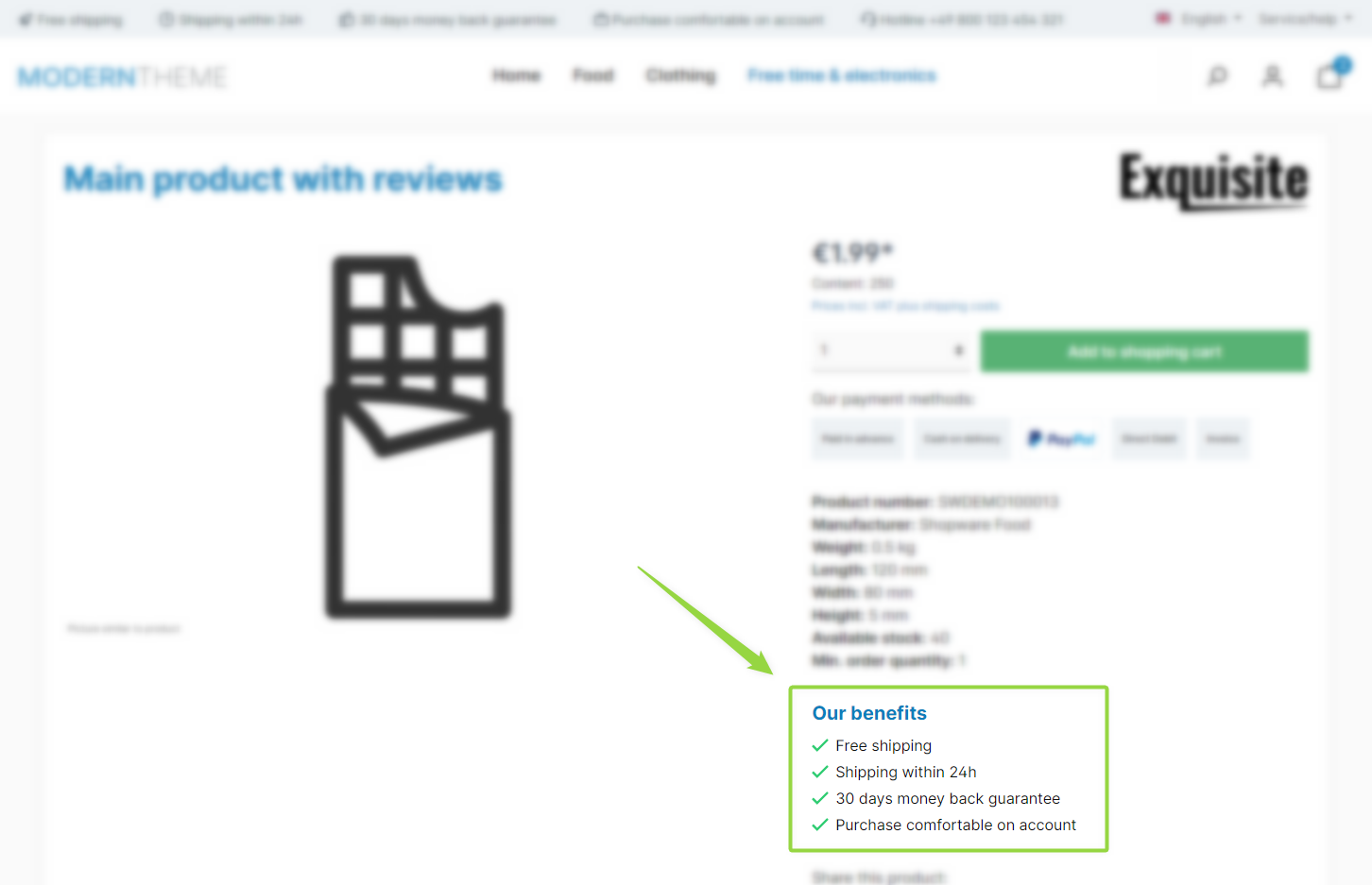
ThemeWare® "Benefits on product pages"
Note: The benefits are displayed if the "Show benefits" configuration is enabled and – depending on the "Content" setting – the selected content exists (the "twt.detail.benefits.content" snippet and/or the "Benefits" custom field on the product). The position setting controls whether they appear above the price or below the product specifications.
Configuration
Theme configuration
- Go to the "Product pages" tab
- Expand the "Benefits (in the buy box)" block
- Enable the configuration "Show benefits"
- Save your changes after editing
Note: You can find more information about the corresponding custom field in the article Benefits.
Content
- Customise the headline using the following snippet:
twt.detail.benefits.headline
- You can customise the text using the following snippet:
twt.detail.benefits.content
Note: For information on how to edit snippets, see the following instructions: Texts: Editing and translation
Tip: If a change does not affect the storefront, just clear the Shopware cache: Clearing / warming up the Shopware cache
Options
You adjust the display in the same block:
- Content: Defines where the content comes from – "Snippet", "Custom field", "Custom field or snippet" or "Snippet and custom field".
- Position: Defines whether the benefits appear "above the price" or "below the product specifications".
- Layout type: "plain" or "emphasised".
Custom fields
BenefitsSummary
Theme configuration
- Tab "Product pages" => Block "Benefits (in the buy box)" => Show benefits
- Tab "Product pages" => Block "Benefits (in the buy box)" => Section "Basic configuration" => Content
- Tab "Product pages" => Block "Benefits (in the buy box)" => Section "Basic configuration" => Position
- Tab "Product pages" => Block "Benefits (in the buy box)" => Section "Basic configuration" => Layout type
- All settings in detail: Benefits (in the buybox)
Snippets
twt.detail.benefits.headline(Headline)twt.detail.benefits.content(Text)- All snippets at a glance: Snippets
Custom fields
- Benefits (Products)