
The ThemeWare® delivery information styles the standard Shopware 6 notes in the buy box and adds the stock note. Using it is, of course, optional; you can also stick with the Shopware default.
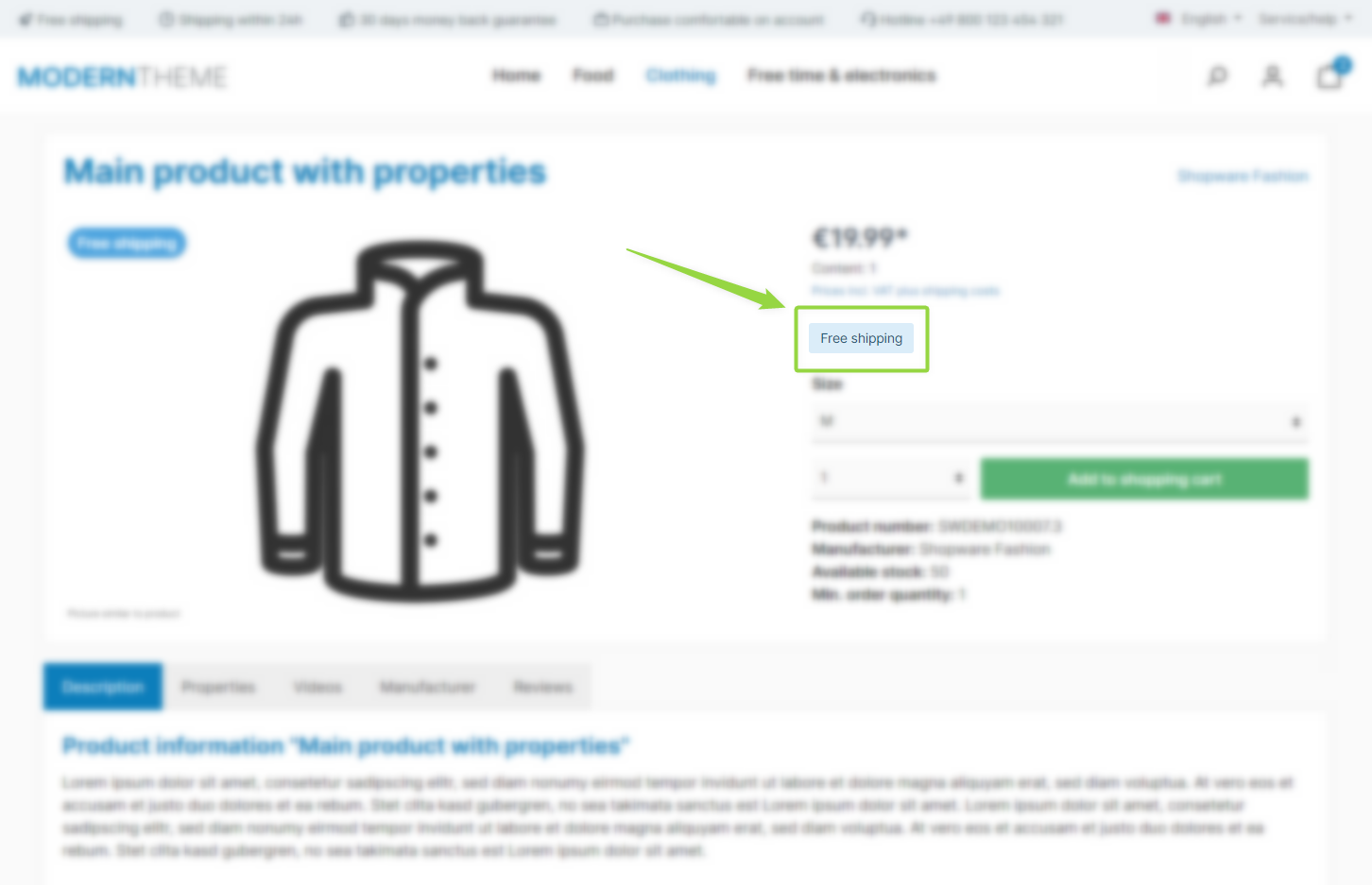
ThemeWare® "Delivery information on product pages"
Note: The availability notes ("Not available", "Pre-order", "Delivery time", "Sold out" and "Ready for shipping in …") are mutually exclusive – depending on the product status, only one of them is shown per product. The "Free shipping" and "Stock" notes are independent and can be displayed in addition.
Layout type
All notes share one appearance. The "Layout type" configuration lets you choose between:
- Text: A plain line with the status dot – the familiar Shopware look, but in the ThemeWare® group.
- Label: The same line on a surface tinted in the status colour (green / yellow / red).
- Badge: A rounded badge without the dot – inherits the corner style and font size of the product badges.
- Chip: The dot sits in a tinted circle with the text next to it; hovering grows the circle behind the text into a pill.
"Arrangement" determines whether the notes sit next to or below each other, "Position" whether they appear above or below the price.
Note: With the compatibility option "Delivery information (in the buy box)" set to "default", Shopware renders its text lines in their usual place – the layout type then only applies to the stock note.
Configuration
You can find the configuration in the tab "Product pages":
Tab "Product pages" => Block "Delivery information (in the buy box)"
Available notes
Summary
Theme configuration
- Tab "Product pages" => Block "Delivery information (in the buy box)" => Section "Basic configuration" => Layout type
- Tab "Product pages" => Block "Delivery information (in the buy box)" => Section "Basic configuration" => Arrangement
- Tab "Product pages" => Block "Delivery information (in the buy box)" => Section "Basic configuration" => Position
- Tab "Others" => Block "Compatibility (HC-Architecture®)" => Section "Product page" => Delivery information (in the buy box)
- All settings in detail: Delivery information labels (in the buybox)
- All settings in detail: Compatibility (HC-Architecture®)