
With product badges you highlight products in the product box (listing pages) and on the product page (gallery or buybox) – e.g. as sold, new, discount, topseller, free shipping or with the stock.
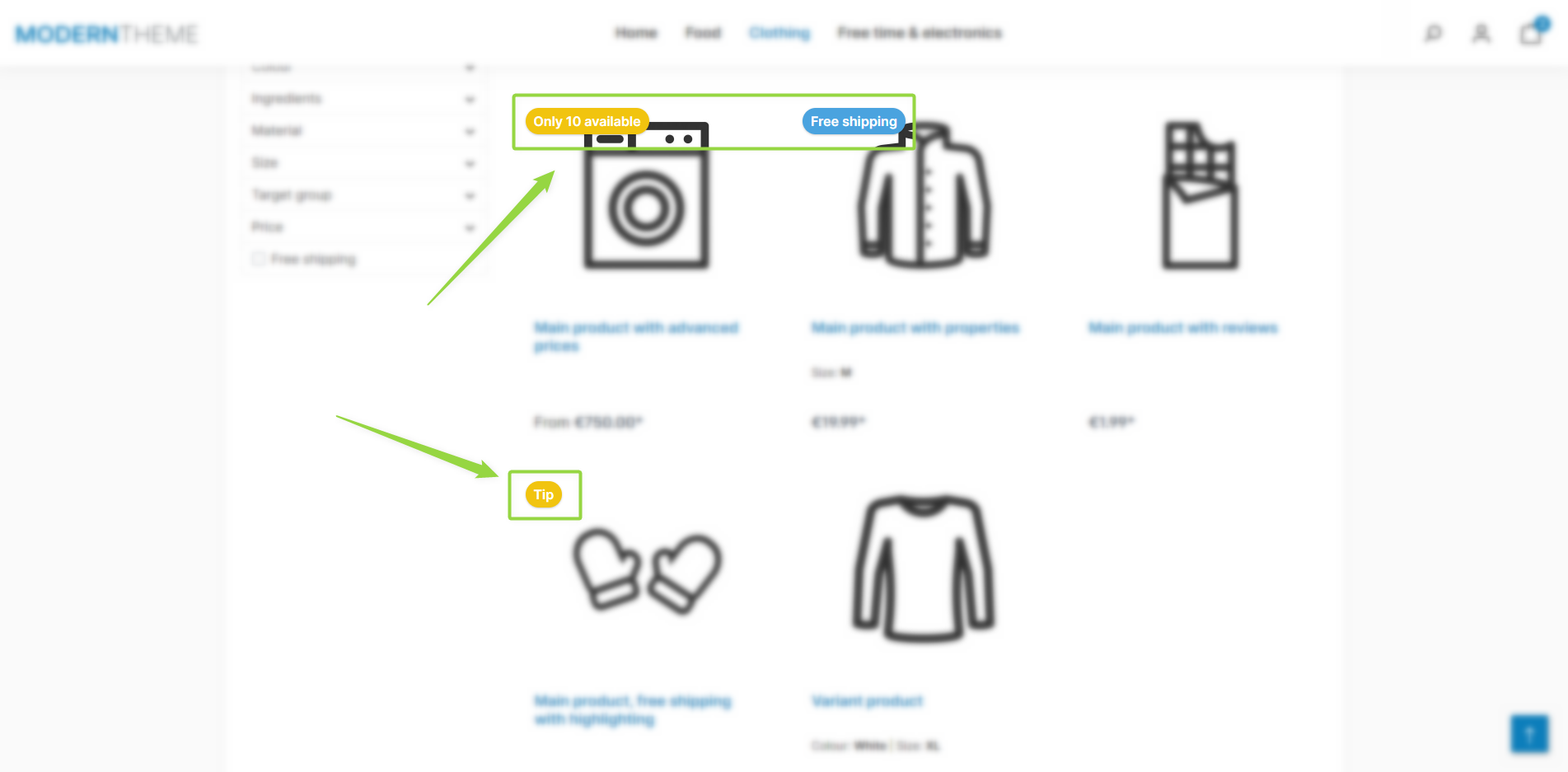
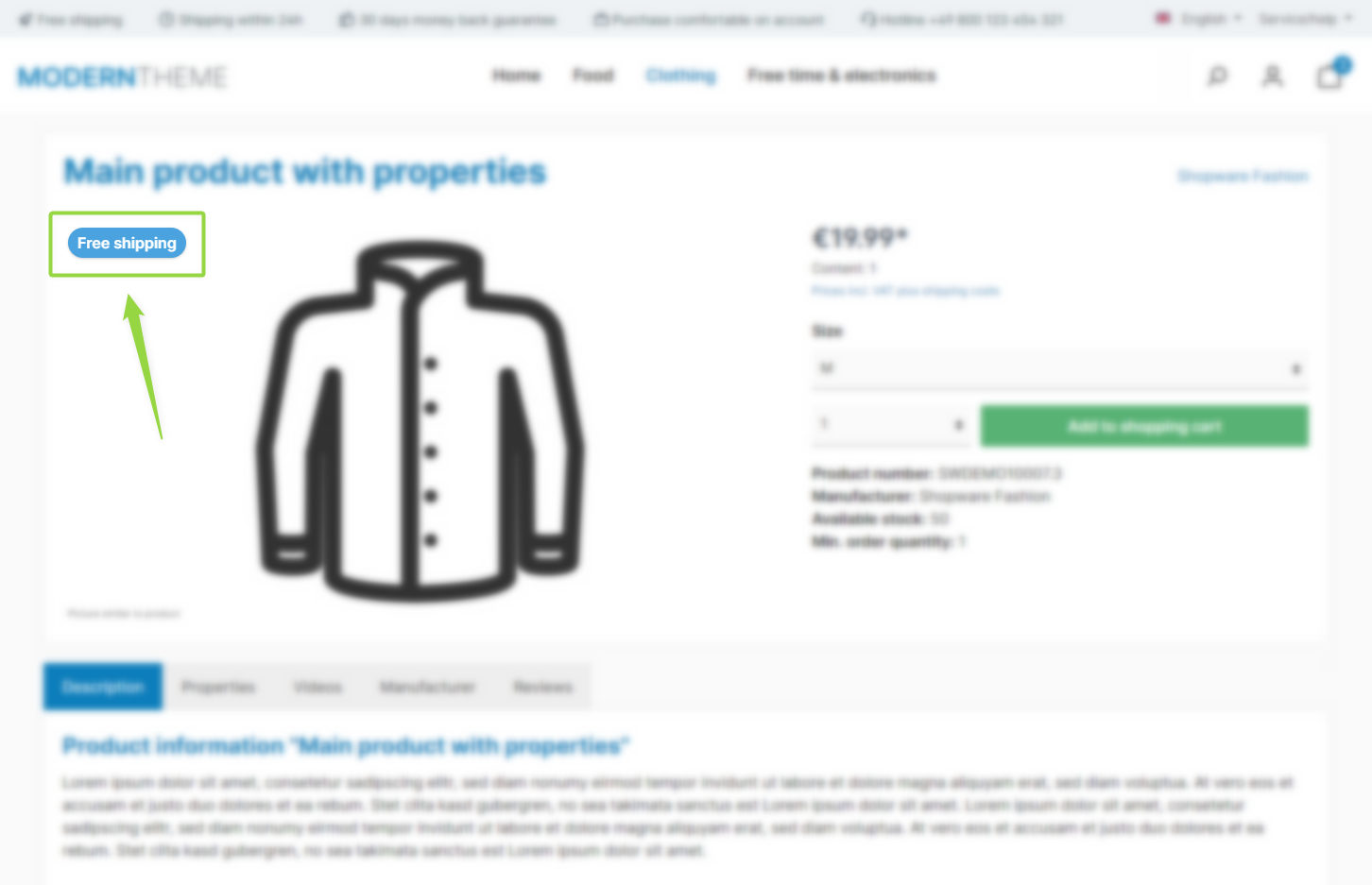
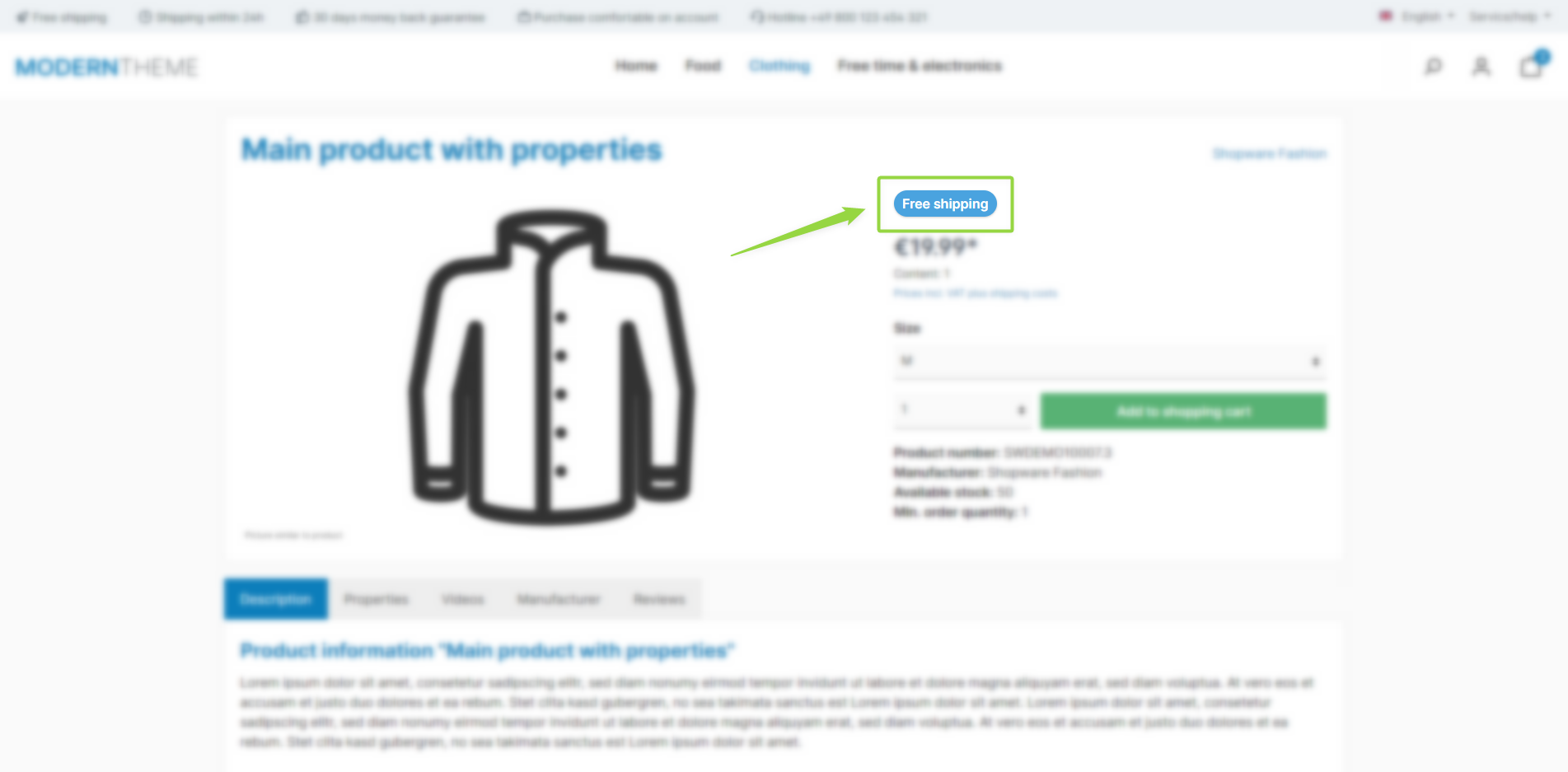
Note: The product badges are independent of one another – depending on the product data and configuration, several badges can appear at the same time. For each badge you decide separately whether it is shown in the product box on listing pages and/or on the product page (in the gallery or in the buybox), provided the badge is enabled and the product meets the corresponding condition.
Configuration
You can find the configuration in the tabs "Content", "Listing pages" and "Product pages":
Tab "Content" => Block "Product badges"
Tab "Listing pages" => Block "Product badges (in the product box)"
Tab "Product pages" => Block "Product badges (in the image gallery or buy box)"
Available badges
Summary
Theme configuration
- Tab "Content" => Block "Product badges"
- Tab "Listing pages" => Block "Product badges (in the product box)"
- Tab "Product pages" => Block "Product badges (in the image gallery or buy box)"
- All settings in detail: Product badges
- All settings in detail: Product badges (in the product box)
- All settings in detail: Product badges (in the image gallery or buybox)