
# Grid 'Modern' (swapped)

{% hint style="info" %}
**Note**: This article is work in progress.
{% endhint %}

Der ThemeWare® CMS-Block "**Grid 'Modern '(getauscht)**" ist ein universeller CMS-Block. In diesen kannst du diverse CMS-Elemente platzieren.
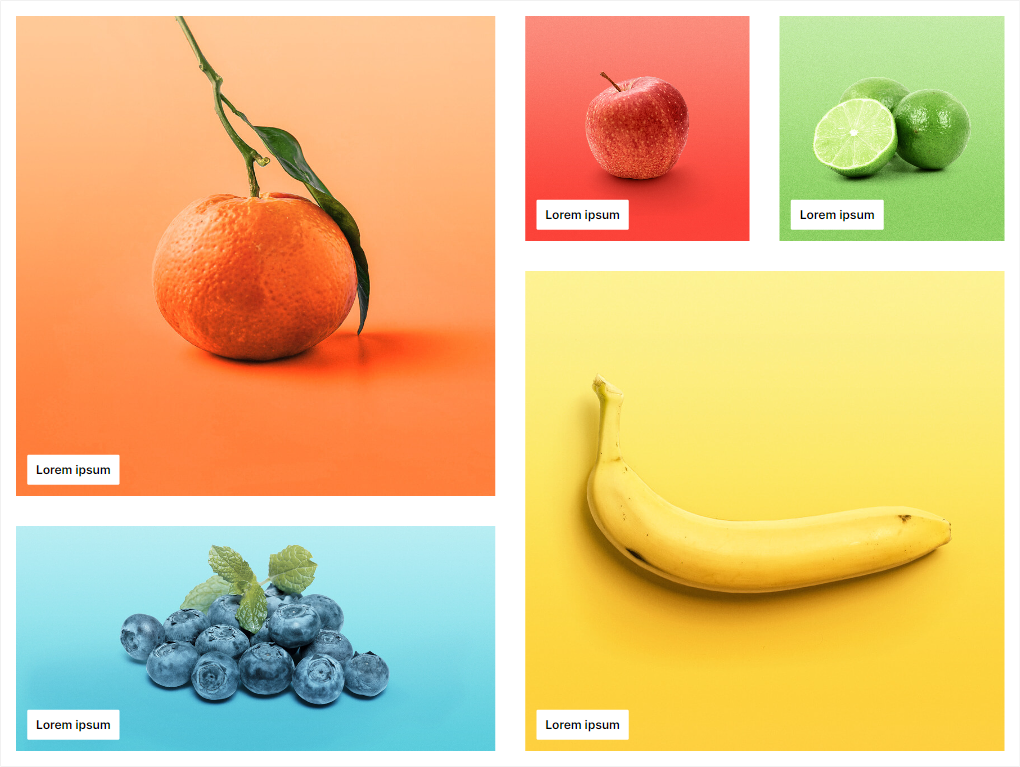
<figure><img src="/files/m3WRpZZlAV8Np5L7Jhko" alt=""><figcaption><p>ThemeWare® CMS-Block "Grid 'Modern' (getauscht)"</p></figcaption></figure>

{% hint style="info" %}
**Note**: This block is only available in the ThemeWare® Pro Edition.
{% endhint %}

#### Standard-Einstellungen

* Alle Bild-Elemente nutzen den Darstellungsmodus "Füllen".
* Die kleinen Bild-Elemente haben eine minimale Höhe von `300 px`.
* Die beiden großen Bild-Element haben eine minimale Höhe von `640 px`.
* Tipp: Achte darauf, dass die Summe minimalen Höhen auf beiden Seiten gleich sind.

{% hint style="success" %}
**Tipp**: Die Spaltenabstände kannst du mit den ThemeWare® CSS-Abstandsklassen (siehe [Spaltenabstände in CMS-Blöcken anpassen](https://wiki.themeware.design/wissensdatenbank/anleitungen/erlebniswelten/spaltenabstaende-in-cms-bloecken-anpassen)) modifizieren.
{% endhint %}


---

# Agent Instructions: Querying This Documentation

If you need additional information that is not directly available in this page, you can query the documentation dynamically by asking a question.

Perform an HTTP GET request on the current page URL with the `ask` query parameter:

```
GET https://docs.themeware.design/additional-features/cms-extensions/cms-blocks/grids/grid-modern-swapped.md?ask=<question>
```

The question should be specific, self-contained, and written in natural language.
The response will contain a direct answer to the question and relevant excerpts and sources from the documentation.

Use this mechanism when the answer is not explicitly present in the current page, you need clarification or additional context, or you want to retrieve related documentation sections.
