> For the complete documentation index, see [llms.txt](https://docs.themeware.design/llms.txt). Markdown versions of documentation pages are available by appending `.md` to page URLs; this page is available as [Markdown](https://docs.themeware.design/additional-features/cms-extensions/cms-blocks/columns/two-columns-3-9.md).

# Two columns, 3-9

{% hint style="info" %}
**Note**: This article is work in progress.
{% endhint %}

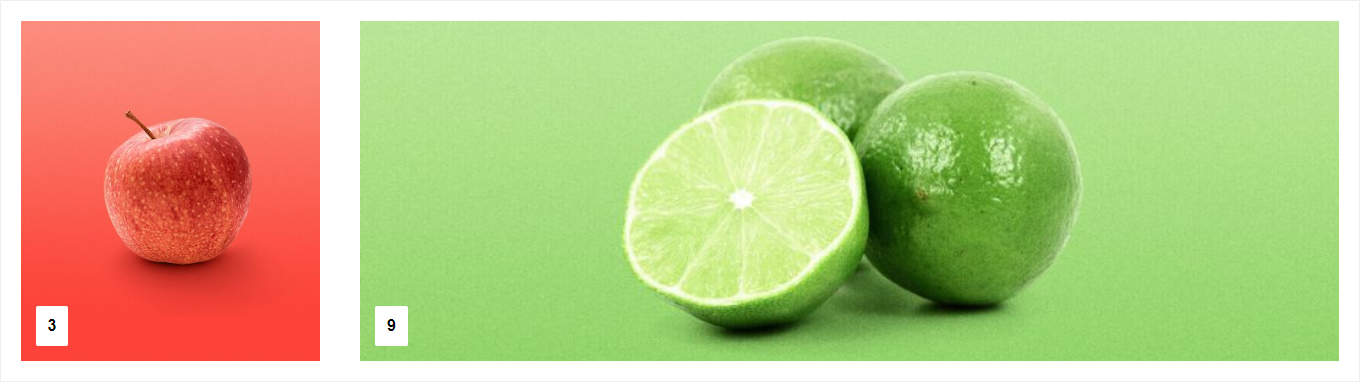
Der ThemeWare® CMS-Block "**Zwei Spalten, 3-9**" (25% | 75%) ist ein universeller CMS-Block. In diesen kannst du diverse CMS-Elemente platzieren.

<figure><img src="/files/rVkidOl5XQCqvTBLFlC0" alt=""><figcaption><p>ThemeWare® CMS block "Two columns, 3-9" [Pro]</p></figcaption></figure>

## Example

<figure><img src="/files/oJLXCodFEu8GV5ex5qOn" alt=""><figcaption><p>ThemeWare® CMS block "Two columns, 3-9"</p></figcaption></figure>

{% hint style="success" %}
**Tipp**: Die Spaltenabstände kannst du mit den ThemeWare® CSS-Abstandsklassen (siehe "[Adjusting column spacings in CMS blocks](https://knowledge.themeware.design/knowledge-base/tutorials/shopping-experiences/adjusting-column-spacings-in-cms-blocks)") modifizieren.
{% endhint %}

***

## Demo

You can find some examples of use in our demo shops:

{% embed url="<https://demo.themeware.design/modern/en/Features/ThemeWare-CMS-blocks/Column-blocks/>" %}
ThemeWare® Demoshop => Column blocks
{% endembed %}