
These settings design the slim header your customers see in the checkout, meaning address, order overview and finish. You choose a design and an arrangement, can add a separate logo and adapt the back button to your shop.
Configuration: Tab "Header" => Block "Minimal header (in the Checkout)"
Designs





Arrangements




Back button
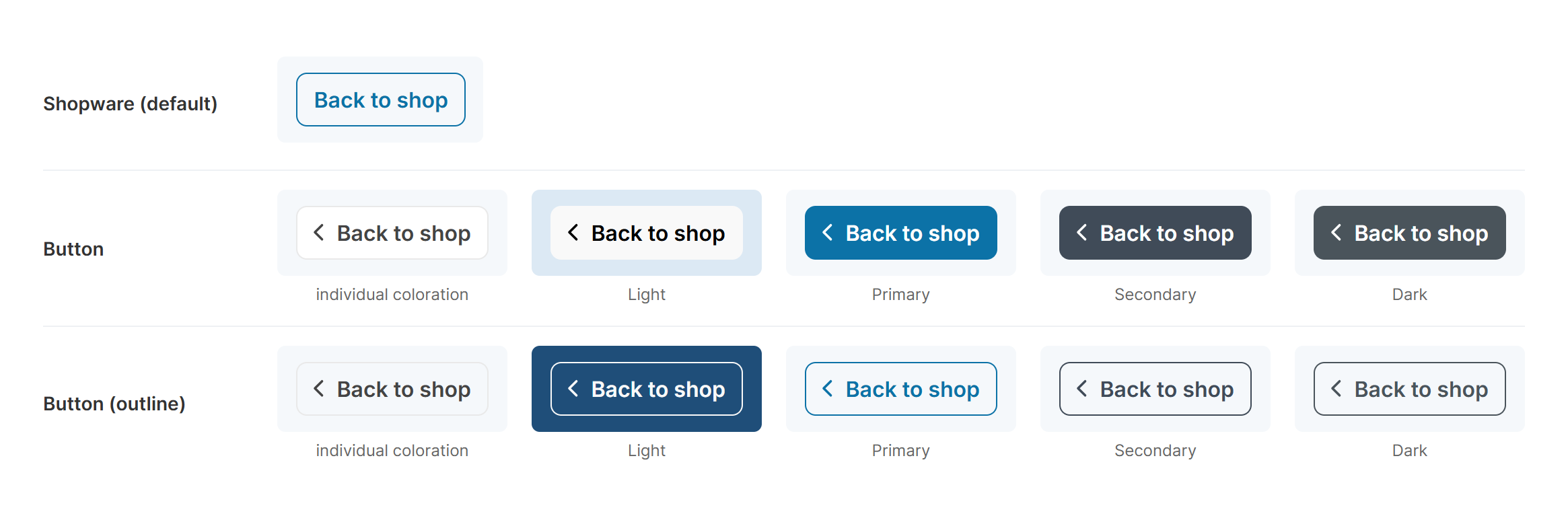
The back button in all layout types and button colours
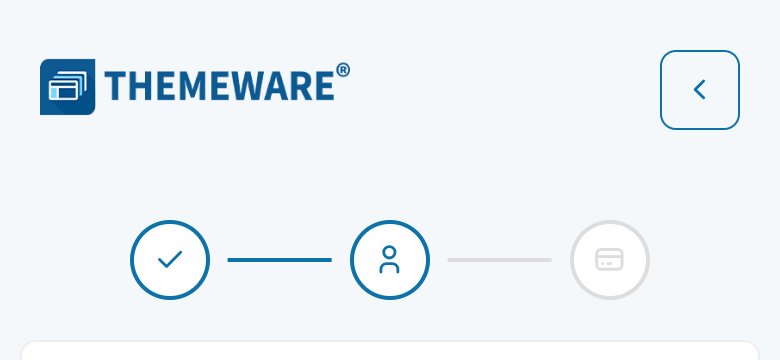
On the smartphone the back button only shows the arrow
Further information
- All settings in detail: Configuration
- Colours and style of the buttons: Buttons