
With the ThemeWare® Utilities you get over 90 pagespeed optimised logos from various payment providers. All logos are visually matched to each other and result in a uniform, tidy and sales-promoting look in your shop.
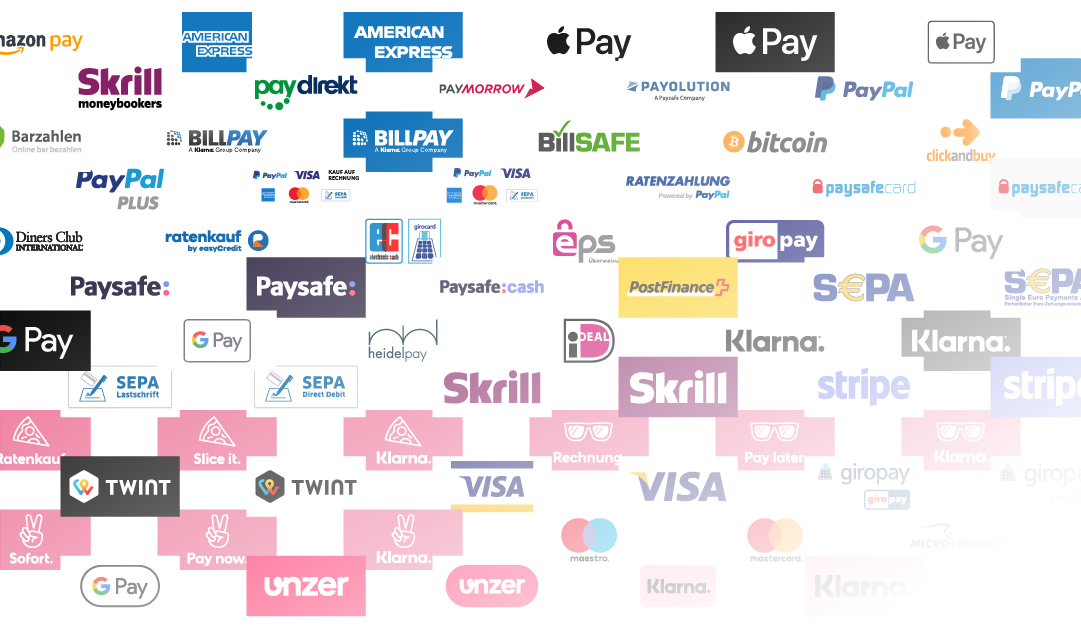
ThemeWare® Payment method logos
Logos
All logos are pagespeed optimised SVG files. In addition to the most popular providers, you will also find many international providers, some in different colour variants:
- Amazon Pay
- Giropay
- Google Pay
- Klarna
- Mastercard
- Paypal
- Skrill
- Stripe
- Visa
- u.v.m.
Are you missing a provider? Then send us a suggestion for improvement at any time via our Service Portal:
Download
Use the following link to get free access to the ThemeWare® theme utilities for your theme. These will be sent to you immediately by e-mail:
Assign a logo
The "Payment logos" widget shows the logo you have stored for the respective payment method:
- In the administration, open "Settings" => "Commerce" => "Payment methods".
- Open the payment method you want.
- Upload the matching logo from the ThemeWare® Utilities as the logo of the payment method and save.
Tip: Keep the file names of the logos. If ThemeWare® recognises a logo from the Utilities by its file name, its size is known before loading. This way nothing shifts in the footer while the page loads.
Configuration
More information about the configuration of payment methods in Shopware 6 can be found in the Shopware documentation:
Additional information
You can find more information about configuring logos in ThemeWare® in the following article:
Payment logos