
Custom fields from ThemeWare® for property groups.
Edit property custom fields
- Switch via the main navigation to the "Properties" management of your shop ("Catalogues" => "Properties")
- Choose the property group you want to edit
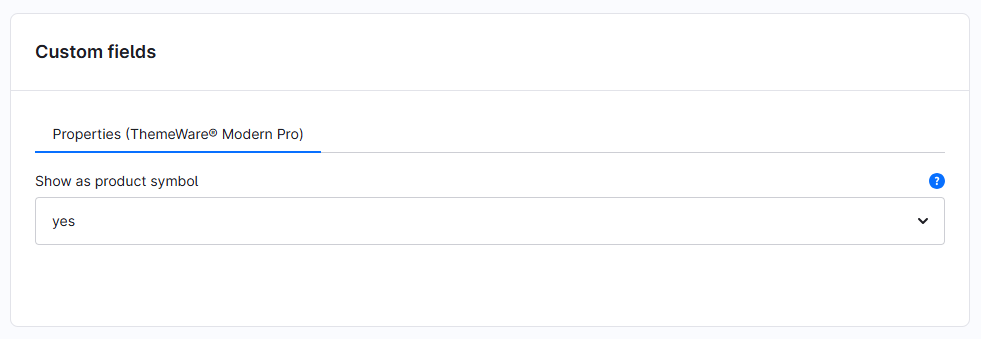
- Scroll to the block "Custom fields"
- Select the tab (=set) for your theme (e.g. "Properties (ThemeWare® Modern Pro)")
- Make the desired changes
- Save your changes
You have now edited property custom fields.
Tip: If the navigation bar with the tabs (=sets) is full, you can scroll it using the arrows (left and right).
The individual custom fields: