
With the category custom field "Navigation levels" you can override the global theme configuration "Navigation levels" for this category only.
Tip: General or global settings can be found in the theme configuration.
Custom field
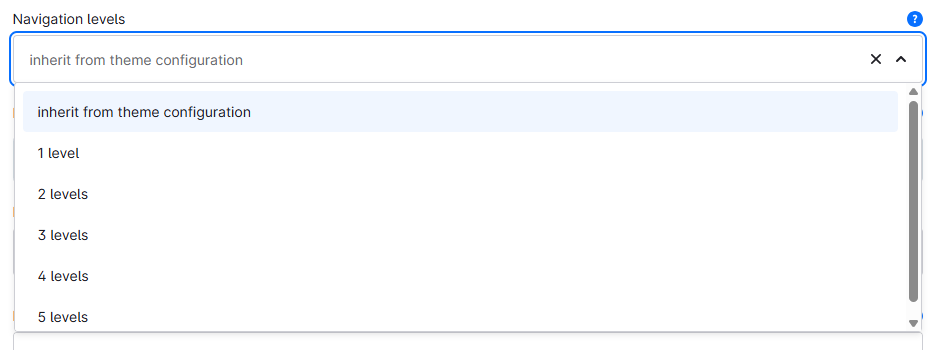
You can find the "Navigation levels" custom field in the respective category:
Tab "General" ⇒ Block "Custom fields" ⇒ Tab (Set) "Flyout (... Pro)"
Type: Selection
Technical name: twt_{theme}_{edition}_custom_field__category__flyout_max_depth
Options
- inherit from theme configuration
- This is the default option. In this case, the theme configuration decides how many category levels are rendered in the navigation of this category.
- 1 level
- 2 levels
- 3 levels
- 4 levels
- 5 levels
Note: Applies in both "ThemeWare® Flyout" and "ThemeWare® Dropdown" modes.
Will only render up to the sales channel's "Navigation levels" setting (Admin → Sales Channels → [Channel] → Navigation), as deeper categories are not loaded into the storefront.