
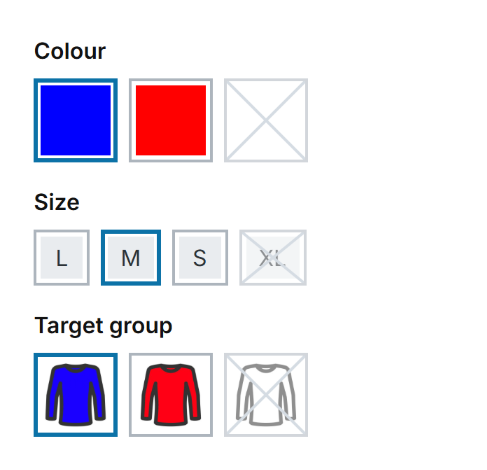
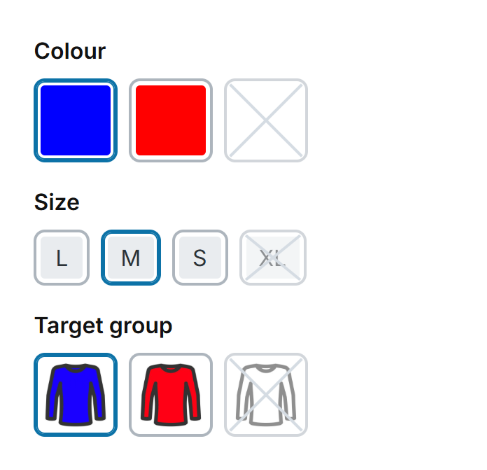
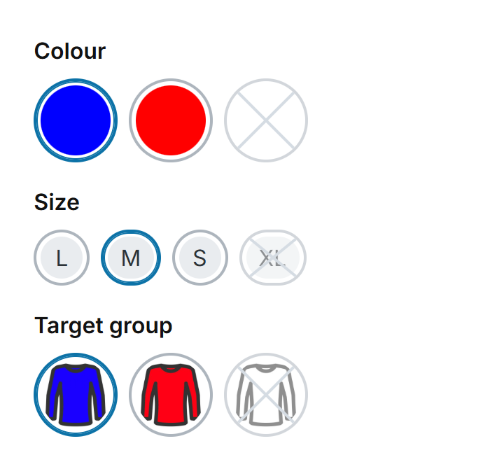
With these settings you design the configurator on the product detail page, meaning the selection of variants such as colour or size. You choose from several designs, from outline to fill to underline, and adapt border width, corners and colours to your shop.
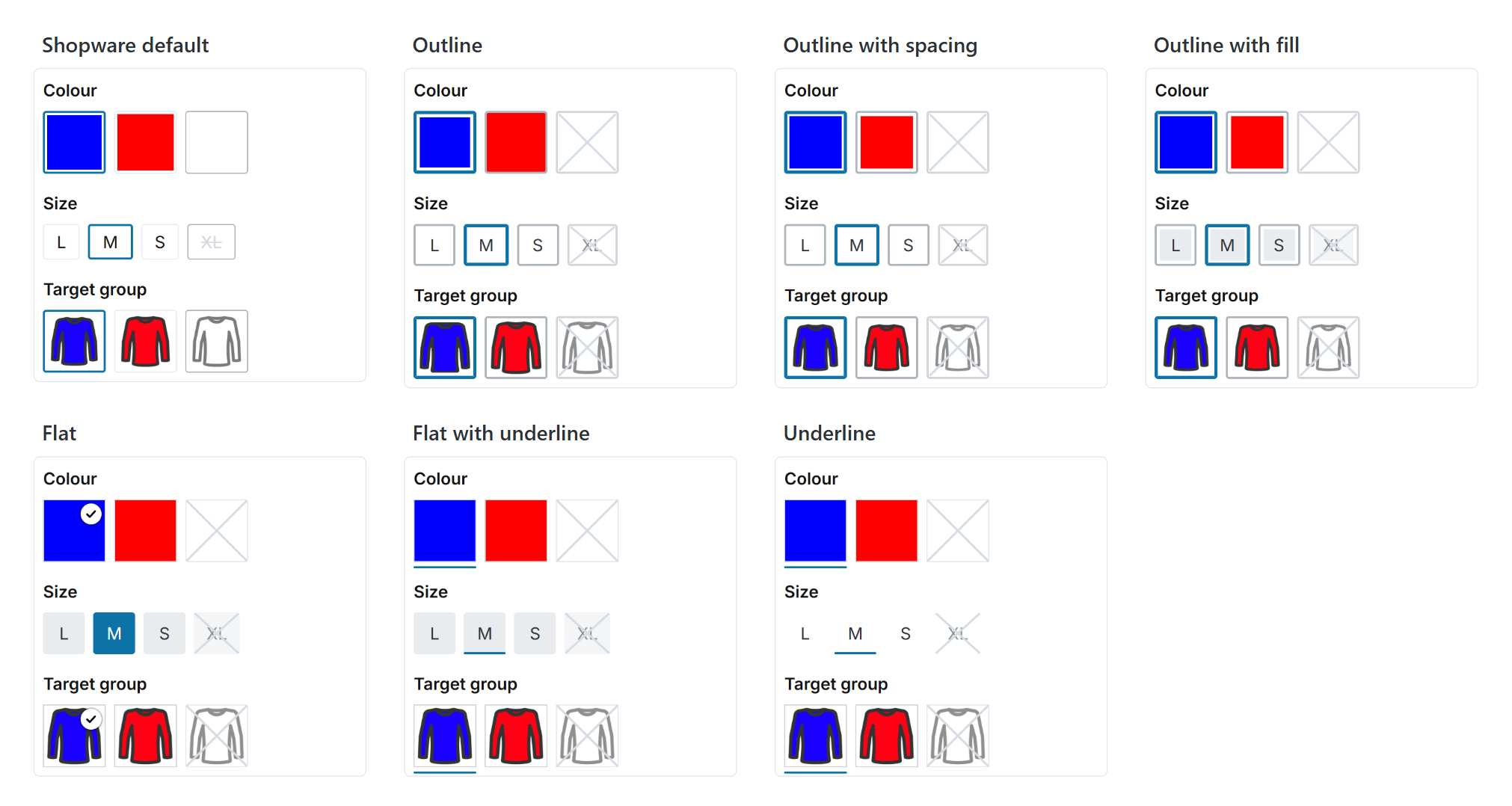
All layout types compared
Configuration: Tab "Product pages" => Block "Configurator (in the buy box)"
Designs
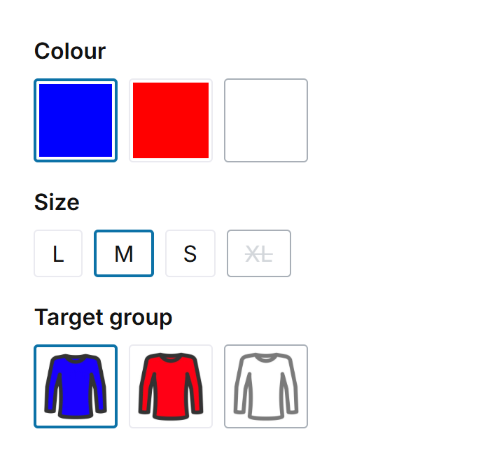
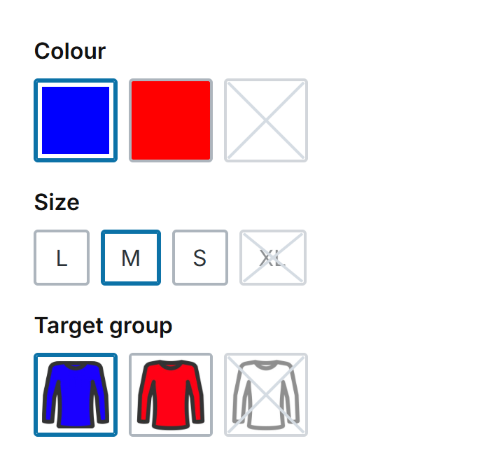
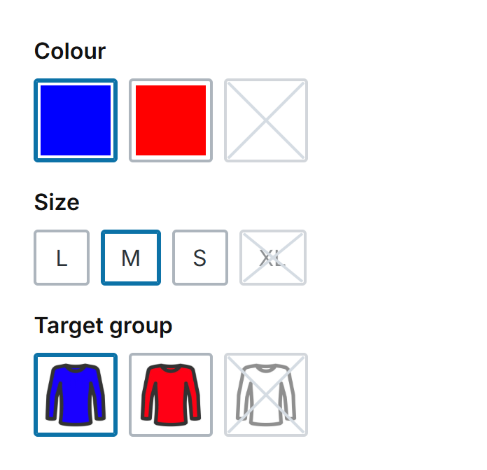
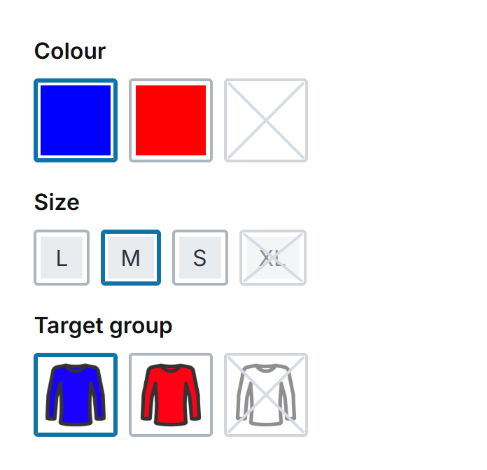
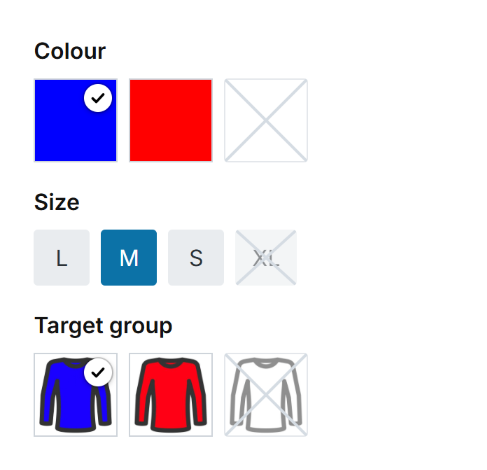
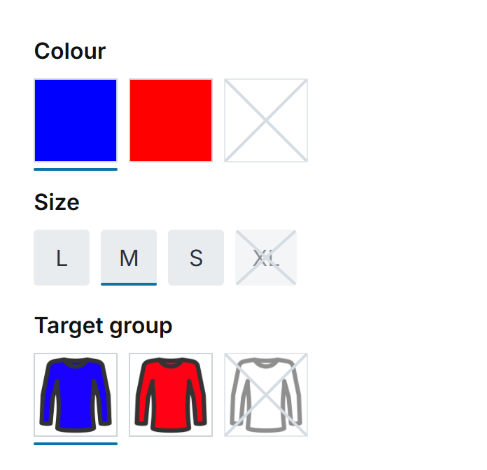
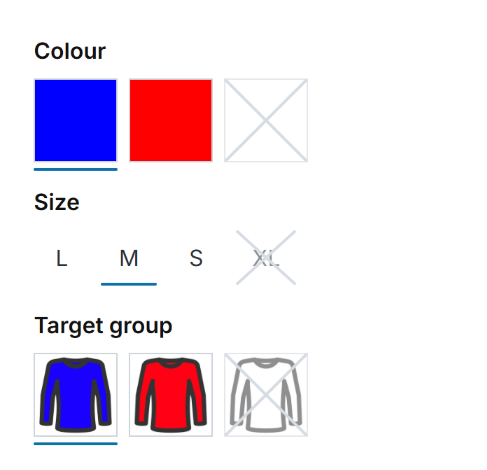
Corners
Further information
- All settings in detail: Configuration
- How properties and variants work in Shopware: Properties in the knowledge base