
ThemeWare® add-ons extend your theme with additional features that you can unlock individually as needed. Each add-on is an independent subscription and can be booked or cancelled independently of the others.
Why add-ons?
We want to keep the price of ThemeWare® stable while continuing to develop and improve the theme on an ongoing basis.
Many new features are part of the classic theme scope and will continue to be integrated directly into ThemeWare®. However, some features and feature requests go well beyond what is typically expected from a theme.
These extended features are offered as optional add-ons. This allows you to enable them only when you need them — while keeping the choice in your hands and ensuring that not every customer has to pay for functionality they may not use.
Note: Add-ons in the administration are part of the ThemeWare® improvements to the administration and are therefore only available in the Pro Edition.
Available add-ons
Backup Manager
Save, transfer and directly edit your theme configuration. File export, guided import with automatic pre-backup safeguard and an inline JSON editor with live validation and change counter.
Backup ManagerNested subcategories
CMS element for category and landing pages: present multiple subcategories together with their direct subcategories in a clean card or list layout.
Nested subcategoriesHow the purchase works
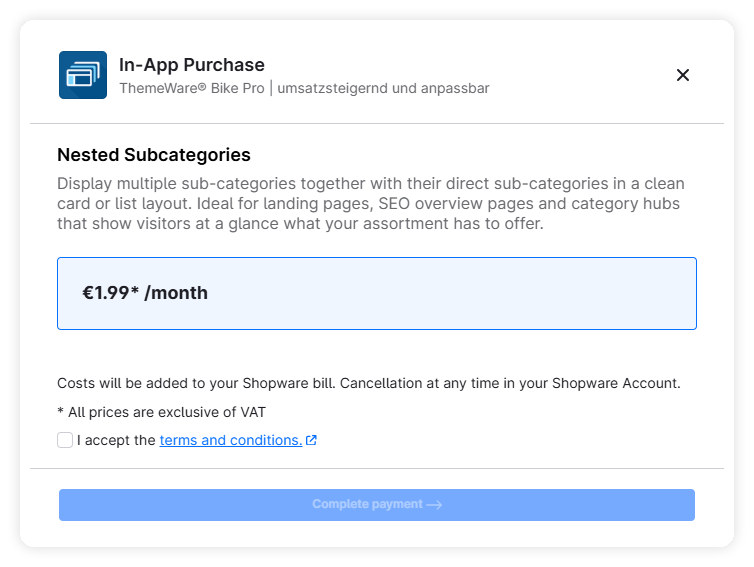
Add-ons are unlocked as in-app purchases directly within the Shopware admin. The entire purchase process runs through your Shopware account — final price, payment details and billing come from the Shopware Store.
Process:
- Click the desired add-on in the ThemeWare® Hub (tab "Add-ons").
- Click "Unlock →" — Shopware's purchase modal opens.
- If you haven't yet activated the "Shopware Extension Store" and your shop isn't yet linked to your Shopware account, you'll be taken to the connection modal. This happens automatically.
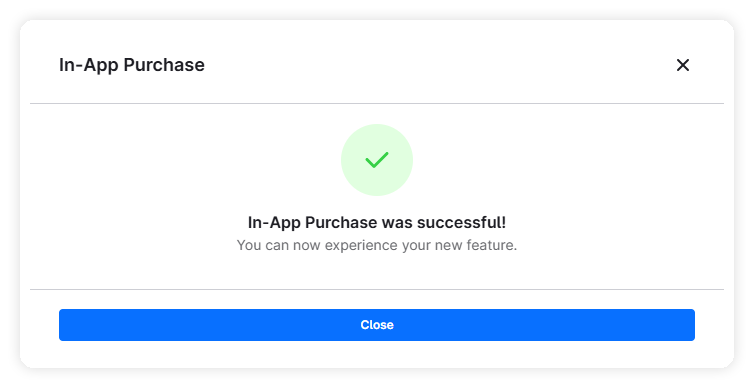
- Confirm the purchase — the add-on is active immediately.
Billing: Monthly, cancellable anytime, via your Shopware account.
Final price in the purchase dialog
The prices shown in the Hub are reference values. The actual final price including country-specific adjustments is shown directly in Shopware's purchase modal before confirmation.
Support for purchases, licences and billing
For questions about purchases, licences, bookings or billing, please contact Shopware directly. We have no control over these.
Purchase modal
Booked add-ons
Any add-ons you have purchased or booked will be marked accordingly.
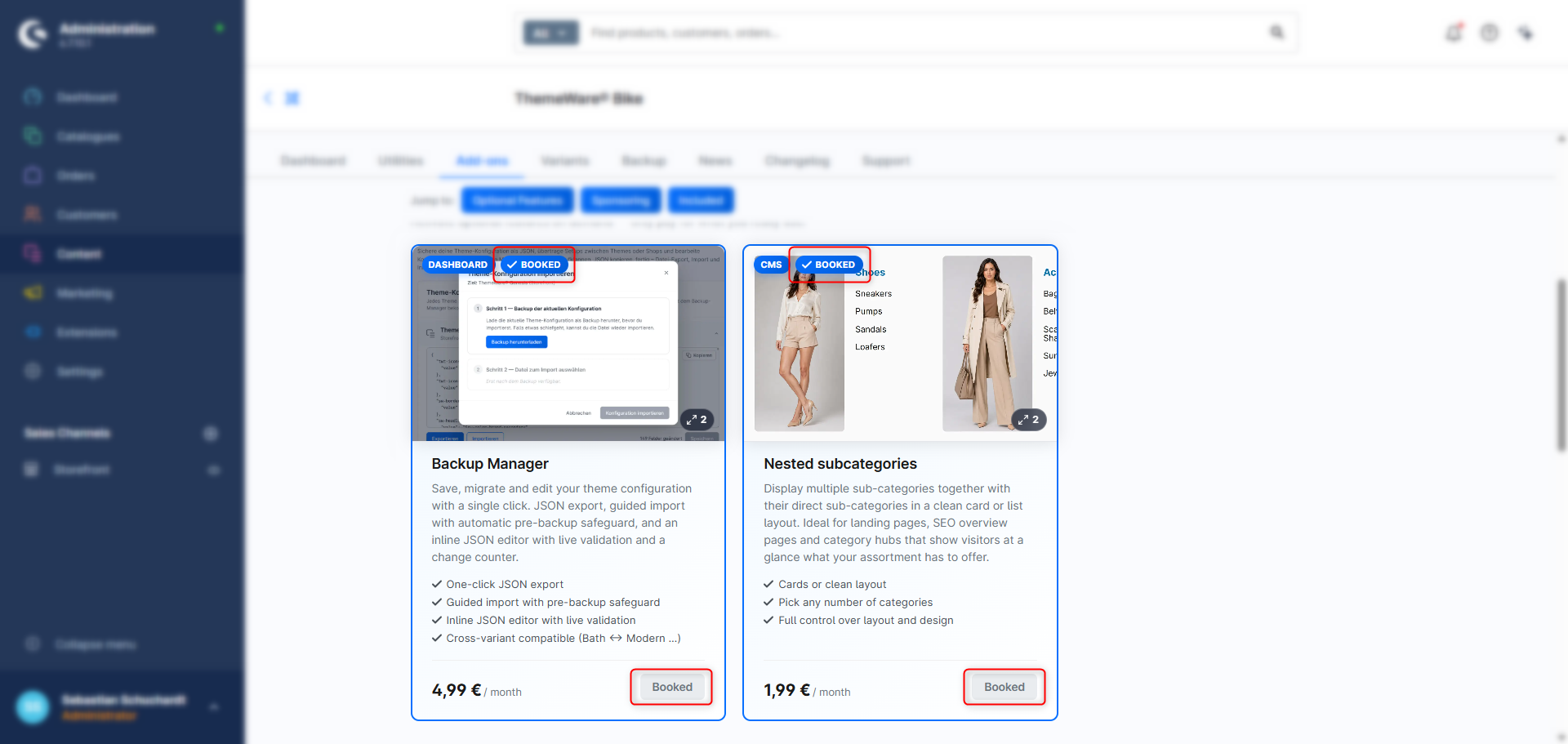
You can cancel them by removing the licence from your Shopware account (Merchant → Shops → [Your Shop] → Licences).
Support for purchases, licences and billing
For questions about purchases, licences, bookings or billing, please contact Shopware directly. We have no control over these.
Included add-ons
All 15 design variants are bundled with the theme at no extra cost. Switch your shop's look with a single click, no separate licence required.
Design variants