
The widget "Revocation" displays a short introductory text and a button linking to the revocation page or revocation form. This allows the revocation to be placed freely as its own footer column.
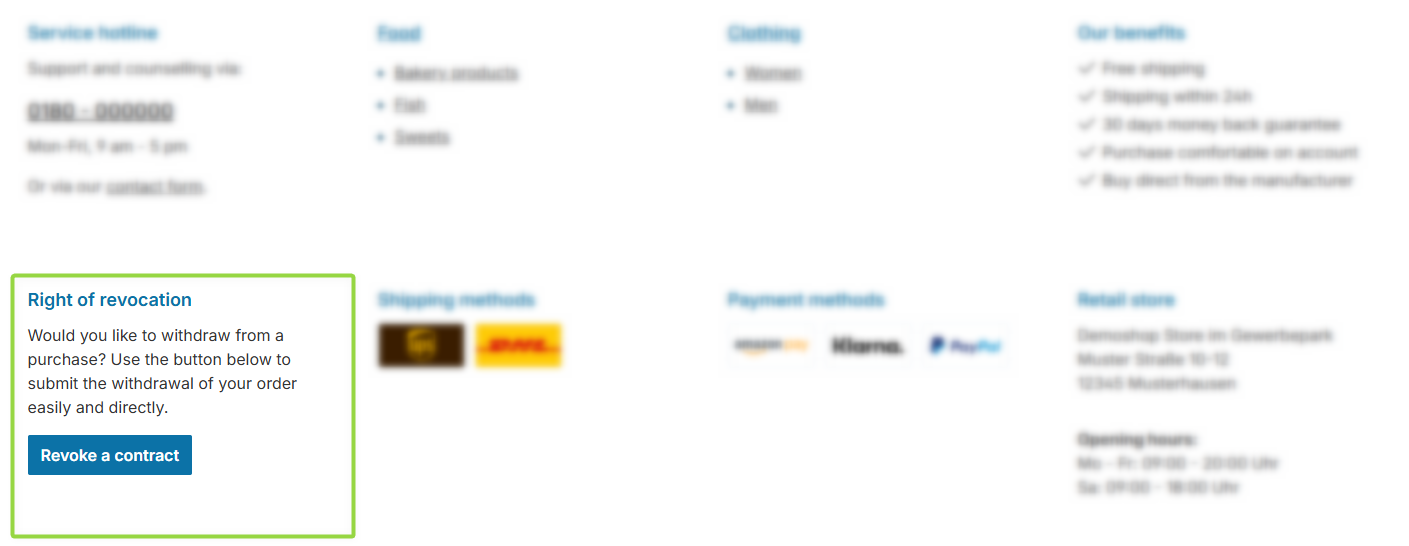
ThemeWare® "Revocation" widget
Configuration
There is currently no dedicated configuration for this widget.
Content
- Edit the headline using the snippet
twt.widget.revocation.headline. - Edit the introductory text using the snippet
twt.widget.revocation.content(supports HTML code). - Edit the text of the revoke button using the snippet
footer.serviceRevocationRequestTextPage.
Note: For information on how to edit snippets, see the following instructions: Texts: Editing and translation
Tip: If a change does not affect the storefront, just clear the Shopware cache: Clearing / warming up the Shopware cache
Revoke button (Withdrawal button)
The revoke button is only displayed if a revocation page is set and the button is enabled in the Shopware basic information settings (Shopware 6.7.9+).
Note: As soon as the "Revocation" widget is used, ThemeWare® automatically hides the identical button in the "Service hotline" widget so that it does not appear twice. The "Revocation" widget also takes precedence if the "Position" configuration (ThemeWare® 5.2.0+, see Service hotline) is set to "in the copyright footer".
Important: In the mobile view, the "Revocation" widget is kept permanently expanded (collapsing is not possible) so that the legally required button always stays visible. The "Mobile view" setting has no effect for this widget.
You can find more information about the "Revoke button" in the ThemeWare® knowledge base:
Summary
Theme configuration
- There is currently no dedicated configuration for this widget.
Snippets
- Headline
twt.widget.revocation.headline
- Text
twt.widget.revocation.content- The snippet supports HTML code.
- Button
footer.serviceRevocationRequestTextPage